Skip to Content
Skip to Navigation
Mizzou Logo
Missouri School of Journalism
University of Missouri
Give
Apply
Visit
Give
Apply
Visit
Menu
Degrees and Programs
Expand
Undergraduate Degrees
Expand
Journalism
Expand
Strategic Communication
Expand
Journalism Minor
Expand
Curriculum
Expand
Graduate Degrees
Expand
Master’s
Expand
Online Master’s
Expand
Online Certificate
Expand
Doctoral Program
Expand
Doctoral Fellowships
Expand
Curriculum
Expand
Undergraduate Admissions
Expand
Scholarships
Expand
Walter Williams Awards
Expand
High School Programs
Expand
High School Summer Workshops
Expand
Resources for High School Teachers
Expand
Real-World Experiences
Expand
Professional Media Outlets
Expand
AdZou
Expand
Columbia Missourian
Expand
Global Journalist
Expand
KBIA 91.3 FM
Expand
KOMU TV-8
Expand
Missouri Business Alert
Expand
MOJO Ad
Expand
Vox Magazine
Expand
Missouri Statehouse Reporting
Expand
Centers and Institutes
Expand
Frank Lee Martin Journalism Library
Expand
McDougall Center for Photojournalism Studies
Expand
Mississippi River Basin Ag & Water Desk
Expand
Jonathan B. Murray Center for Documentary Journalism
Expand
Novak Leadership Institute
Expand
Donald W. Reynolds Journalism Institute (RJI)
Expand
Other Opportunities
Expand
Contests and Award Programs
Expand
Internships and Career Services
Expand
Sports Journalism
Expand
Our Stories
Expand
Latest News
Expand
Event Calendar and Speakers
Expand
J-School Live Webcam
Expand
Research
Expand
News
Expand
PRIME Lab
Expand
Undergraduate Research
Expand
People
Expand
Faculty
Expand
Faculty Emeritus
Expand
Endowed Chairs
Expand
Staff
Expand
Doctoral Students
Expand
Adjunct
Expand
Alumni and Giving
Expand
Ways to Give
Expand
Dean’s Leadership Circle
Expand
1908 Society
Expand
Walter Williams Society
Expand
Class Notes
Expand
Submit a Class Note
Expand
Profiles in Success
Expand
Submit a Profile In Success
Expand
Staying Connected
Expand
Notable Alumni
Expand
The J-School
Expand
Dean’s Office
Expand
Leadership Team
Expand
The J-School Legacy
Expand
Mission and Strategic Plan
Expand
Diversity and Inclusion
Expand
Awards
Expand
The Missouri Honor Medal
Expand
Our Pulitzer Prize Winners
Expand
Student Clubs and Organizations
Expand
Industry Connections
Expand
Public Accountability
Expand
Contact
Expand
Open Search
Search for:
Close Search
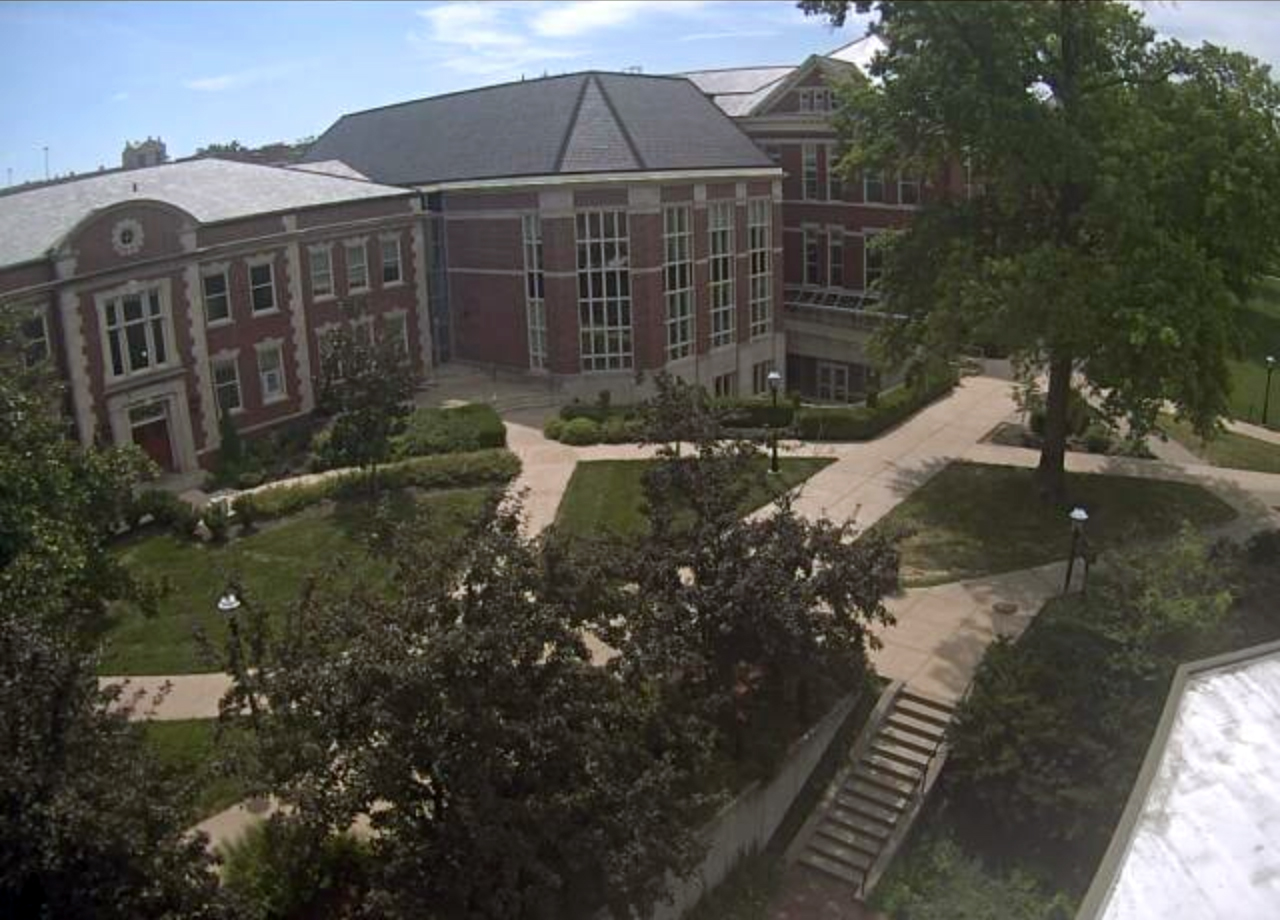
webcam
Updated: July 31, 2019
Shop officially licensed merch at our J-School Store. All profits go toward our scholarship fund.
Shop now
Share your story
Facebook
Twitter
Instagram
Flickr
YouTube
LinkedIn